
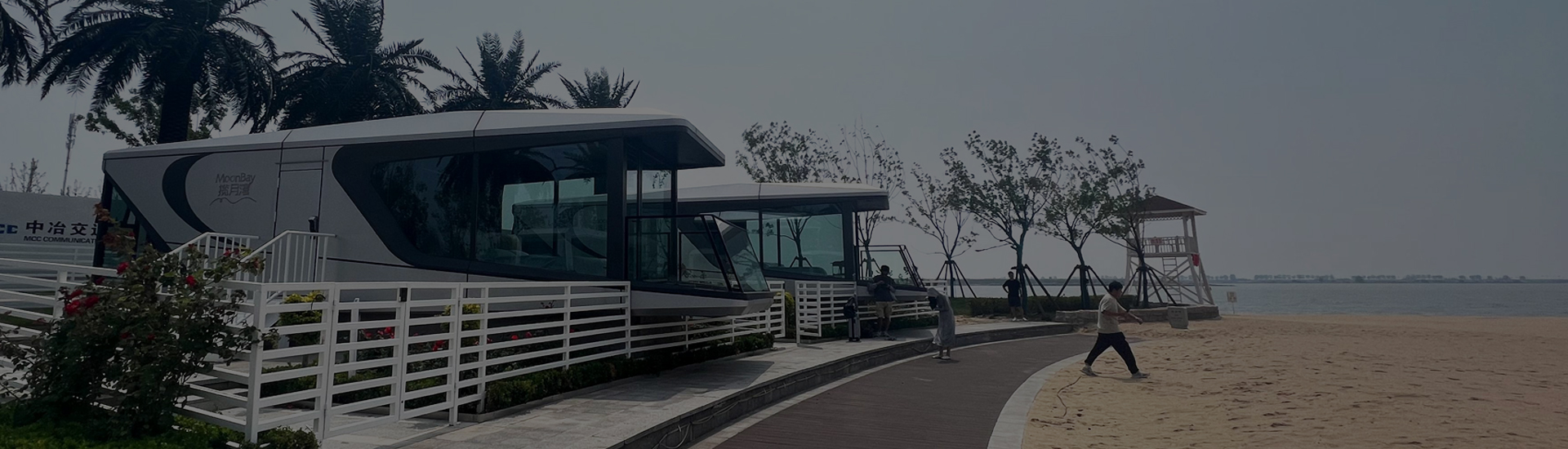

15 Sep Site Photo Record
A capsule house site photo checklist should create a dated, traceable visual baseline of the unit, access route, working area, supports or foundations, utility interfaces, drainage, obstructions and nearby conditions before installation begins. Each image needs enough context to show what, where and when it records.
Photographs support coordination but do not prove design adequacy, dimensions, capacity, approval or safety. The responsible project professionals must inspect and release technical work using approved information.
Plan the Record Before Taking Photos
Identify the project, date, site area, unit, photographer and current drawing or plan reference. Use a simple shot list and consistent location names. Preserve original files and avoid edits that remove important context.
Capture Context Before Detail
Start with orientation views showing the approach, delivery and lifting areas, final unit position and surrounding work. Then take closer images of interfaces, identifiers and visible conditions. A close-up without a location reference can be difficult to use later.
Pre-Installation Photo Register
| Photo group | Record | Control question |
|---|---|---|
| Orientation | Site approach, work area and final position | Can the viewer locate the work? |
| Access | Gate, route, turning area and obstructions | Is current access visible? |
| Supports | Reference points, interfaces and visible condition | Is the exact location identified? |
| Services | Utility routes, terminations and protection | Can interfaces be coordinated? |
| Unit | Identifier, condition and stored accessories | Is the installed unit traceable? |
Record Access, Drainage and Obstructions
Photograph current surfaces, edges, slopes, water paths, overhead features, temporary works and nearby activities from safe positions. Link observations to the responsible review instead of declaring the route or setup suitable.
Connect Photos to Controlled Documents
Reference relevant items from the foundation inputs checklist, site storage record and lift-day release. State when a photograph shows an open issue, temporary condition or superseded arrangement.
Close the Installation Handoff
Store images in a controlled folder with filenames or register numbers that preserve sequence. Record missing views, inaccessible areas and changes after the photo date. The installation guide provides wider process context.
To request available product-side interface information, contact Rovellc with the selected configuration, destination and project stage.